
rocketfuel, Author at LaunchUX - Page 4 of 28

Author: rocketfuel

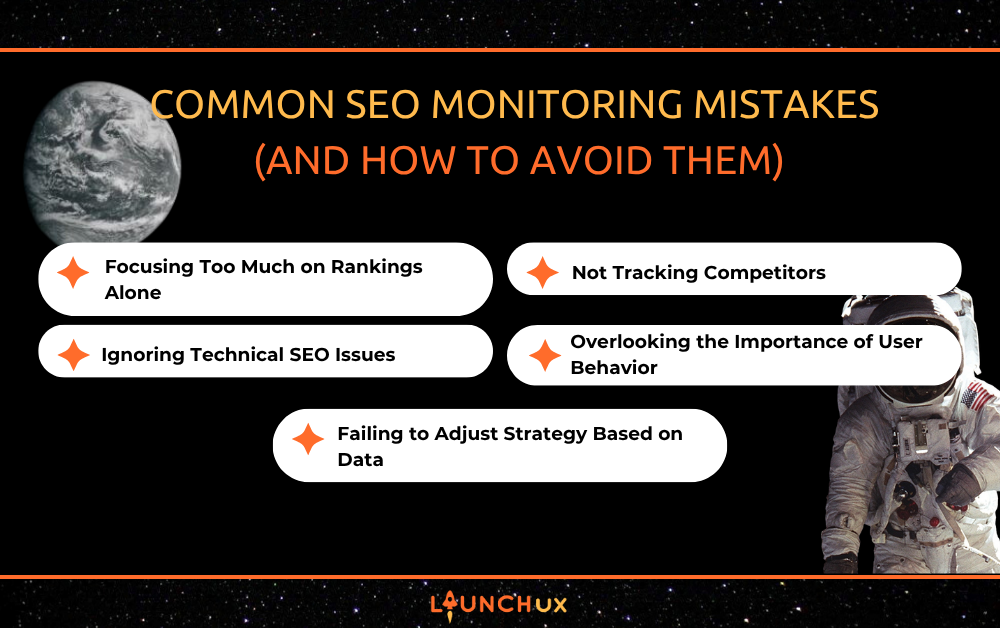
Common SEO Monitoring Mistakes (and How to Avoid Them)

Effective SEO monitoring is essential for maintaining a strong online presence, yet many businesses struggle to interpret their data properly. With expert support from LaunchUX, companies can avoid common pitfalls that lead to wasted effort and missed opportunities. SEO monitoring isn’t just about tracking rankings; it’s about understanding how your audience engages with your site and how your strategies perform over time. Without careful analysis and action, even well-intentioned efforts can fail to deliver meaningful results. By addressing these common mistakes, businesses can optimize their performance, boost visibility, and create a better experience for their visitors. Understanding the nuances of SEO monitoring ensures that your website continues to grow and thrive.

Focusing Too Much on Rankings Alone

Ranking Data Isn’t the Whole Picture

Many website owners make the mistake of only tracking keyword rankings. While rankings are important, they don’t tell the full story of SEO performance. A page might rank highly for a keyword but fail to attract meaningful traffic or conversions. Ignoring metrics such as organic traffic, click-through rates, and user engagement can lead to a misleading view of success. SEO monitoring should incorporate multiple data points to understand how visitors interact with your content. This approach ensures that your efforts are delivering tangible value, not just vanity metrics.

Complementing Rankings with Analytics

Pairing ranking data with comprehensive analytics is essential to gauge true SEO effectiveness. Tracking how users arrive at your site and which pages they engage with provides insight into what content resonates. By monitoring patterns like page visits, bounce rates, and session duration, you can determine whether your high-ranking pages are performing as expected. Fiberglass monitoring tools and dashboards can consolidate this information for easier interpretation. This strategy enables data-driven adjustments to your SEO campaigns, enhancing long-term performance.

Optimizing for Meaningful Results

Focusing solely on rankings can encourage a narrow view of SEO success, which may neglect user experience and conversion goals. By combining ranking information with behavioral insights, businesses can optimize pages to drive better engagement and retention. SEO monitoring becomes more actionable when it informs content strategy, link-building, and site structure improvements. This holistic strategy ensures that your website not only ranks well but also supports meaningful business objectives. High rankings alone are not enough; performance must align with overall goals.

Ignoring Technical SEO Issues

The Cost of Overlooking Site Health

Neglecting technical SEO monitoring is a common oversight that can negatively impact both rankings and user experience. Broken links, slow page speeds, crawl errors, and mobile usability issues often go unnoticed until they create major problems. Regularly checking for these technical issues ensures that your website remains functional and search-friendly. SEO monitoring tools can help detect errors before they escalate, saving time and preserving visibility. Proactive maintenance protects both your rankings and your visitors’ experience.

Tools to Track Technical Performance

Automated alerts and specialized tools allow website owners to catch technical issues early. Features like crawl reports, site audits, and speed testing can identify potential weaknesses in your website’s structure. Implementing fixes promptly prevents minor issues from causing significant drops in traffic or search engine penalties. LaunchUX emphasizes the importance of consistent monitoring to maintain a healthy site. Reliable SEO monitoring means staying ahead of problems rather than reacting after the fact.

Maintaining a Healthy Website

Keeping your website technically sound enhances both user satisfaction and search performance. Addressing issues such as broken links or slow-loading pages improves engagement metrics, which can positively influence rankings. SEO monitoring ensures that technical elements are optimized alongside content and strategy. By treating site health as an ongoing priority, businesses can achieve long-term growth. A technically optimized site provides a strong foundation for all other SEO efforts.

Not Tracking Competitors

The Risk of Ignoring Competitor Data

Another common mistake is failing to monitor competitor performance. SEO does not happen in isolation, and ignoring competitor strategies can leave you at a disadvantage. Keywords, content strategies, and backlink profiles can influence your own visibility and rankings. Monitoring competitors helps identify opportunities and threats in real time. Without this insight, businesses may miss trends or fail to adapt to changing market conditions.

Analyzing Competitor Strategies

SEO monitoring tools allow you to evaluate competitor websites and track performance over time. Understanding which keywords they target and how they structure their content provides valuable context for your own strategy. This competitive intelligence informs content creation, link-building efforts, and optimization priorities. By tracking competitor activity, businesses can make proactive adjustments rather than reacting to declines. A well-rounded SEO monitoring plan considers both your site and the competitive landscape.

Staying Ahead in a Dynamic Market

Regular competitor analysis helps businesses maintain an edge in a constantly evolving online environment. Identifying gaps in competitor strategies or emerging opportunities can guide your next steps. SEO monitoring ensures that your website remains relevant, visible, and competitive. This assertive technique reduces the risk of falling behind and helps maintain steady growth. Continuous evaluation of competitors is key to long-term success.

Overlooking the Importance of User Behavior

Understanding Visitor Engagement

Many people focus solely on search engine metrics and forget to analyze how users interact with their site. High bounce rates, low time on page, and poor navigation indicate that content or design may need adjustment. SEO monitoring should include user behavior analytics to paint a complete picture of performance. Understanding your audience’s actions helps improve content and the overall user experience. Without this insight, rankings alone may not translate into meaningful outcomes.

Enhancing User Experience

By tracking metrics such as clicks, scroll depth, and page flow, businesses can identify which areas of their site are most engaging. Adjustments to content, layout, or navigation can lead to increased interaction and higher conversion rates. Incorporating these insights into SEO monitoring ensures that optimization efforts benefit both search engines and users. A site designed for engagement is more likely to perform well in organic search.

A Holistic Approach to SEO

Ignoring user behavior can lead to incomplete or misleading conclusions about SEO success. Effective SEO monitoring combines technical, ranking, and behavioral data for a holistic view. This integrated strategy allows businesses to make informed decisions that improve visibility and usability. Considering the visitor perspective ensures that SEO strategies align with real-world performance. Long-term success depends on both search engine approval and user satisfaction.

Failing to Adjust Strategy Based on Data

The Problem with Passive Monitoring

A final common mistake is collecting SEO data without taking action. Monitoring alone does not improve performance; insights must inform changes to strategy. Many businesses slip into the trap of tracking metrics passively, missing opportunities to optimize content, keywords, and technical elements. SEO monitoring is most effective when paired with deliberate, data-driven adjustments.

Turning Insights into Action

Regularly reviewing SEO reports helps identify trends, successes, and areas that need improvement. Adjusting strategies based on this information ensures that optimization efforts remain relevant. Whether refining keyword targeting, updating content, or enhancing technical SEO, data-driven decisions maximize the impact of your efforts. LaunchUX emphasizes turning analytics into actionable strategies for sustained results.

Continuous Improvement for Long-Term Success

Treat SEO monitoring as a dynamic process rather than a one-time task. By continuously analyzing, adjusting, and optimizing, businesses can achieve steady growth and long-term visibility. Failing to act on monitoring insights wastes valuable resources and potential opportunities. Consistent evaluation ensures that your SEO strategy evolves with changes in search algorithms, user behavior, and market trends. 

Conclusion

Avoiding common SEO monitoring mistakes is critical for maximizing the significance of your digital marketing efforts. From overemphasizing rankings to ignoring technical issues, competitors, user behavior, or actionable insights, each misstep can impact performance. With the guidance of LaunchUX, businesses can implement comprehensive SEO monitoring that delivers meaningful results and drives sustainable growth. Proper monitoring ensures that your strategies are informed, adaptable, and aligned with long-term goals.If you want to improve your search performance and gain actionable insights from your SEO monitoring, contact LaunchUX today to optimize your strategy and stay ahead of the competition.
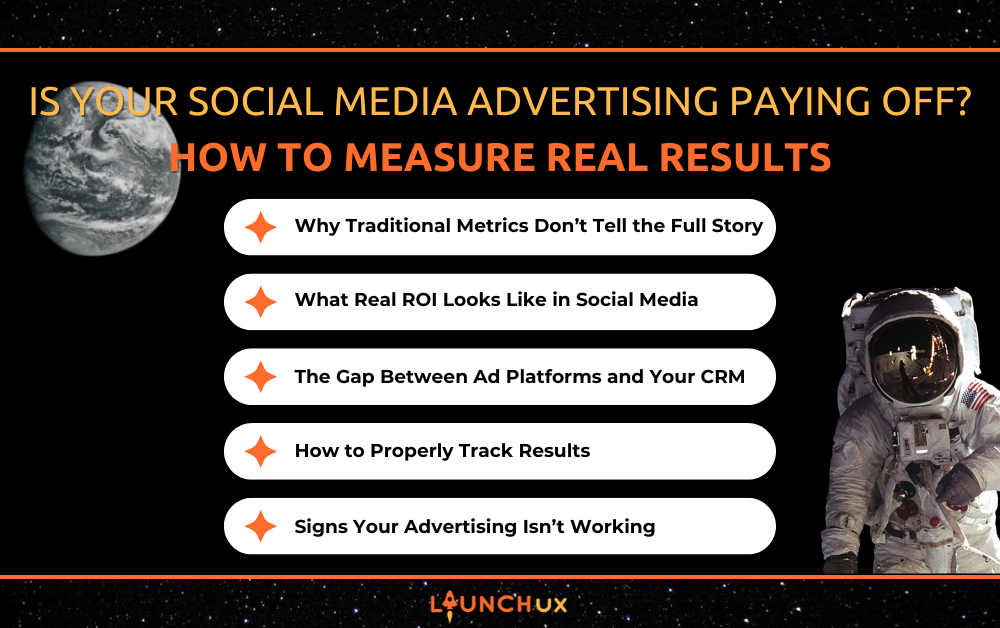
Is Your Social Media Advertising Paying Off? How to Measure Real Results

Many businesses invest in social media advertising expecting consistent leads and clear returns, but the results aren’t always easy to measure. Metrics like clicks, impressions, and engagement can look promising, yet they don’t always translate into actual revenue. This disconnect makes it difficult to know whether your ads are truly working. Understanding how to measure real results is key to making smarter decisions and getting more value from your social media advertising efforts.

Why Traditional Metrics Don’t Tell the Full Story

Not all metrics are created equal. While impressions, likes, and clicks can give you a sense of activity, they don’t necessarily indicate success. Many businesses rely on these surface-level numbers because they are easy to access and look impressive in reports. However, without understanding how these metrics connect to actual business outcomes, they can be misleading.

The issue is that these metrics measure attention, not intent or action. A campaign might generate a high number of clicks, but if those users don’t fill out a form, make a purchase, or engage further with your business, that traffic has little value. This creates a false sense of performance where campaigns appear successful on the surface but fail to produce meaningful results.

Another challenge is that platform metrics are often limited to what happens within the platform itself. They don’t always show what happens after someone leaves the ad and visits your website. Without proper tracking in place, there’s a gap between what your ad platform reports and what your business actually experiences in terms of leads and revenue.

Common misleading metrics:

  • Impressions without meaningful engagement
  • High click-through rates with low conversion rates
  • Likes and shares that don’t lead to inquiries or sales
  • Traffic that doesn’t result in any measurable action

To truly understand the impact of your social media advertising, you need to look beyond these basic metrics and focus on what happens after the click. That is where real performance is measured.

What Real ROI Looks Like in Social Media Advertising

Real results in social media advertising go far beyond what you see inside the ad platform. While metrics like clicks and engagement can indicate interest, they don’t tell you whether your campaigns are actually generating business. True ROI comes down to what happens after someone interacts with your ad.

To measure this effectively, you need to focus on outcomes that directly impact your bottom line. This includes how many users take meaningful action, how qualified those leads are, and whether they ultimately convert into paying customers. Without this level of insight, it’s difficult to determine if your ad spend is producing real value or simply generating activity.

It’s also important to consider the quality of your leads, not just the quantity. A campaign that generates fewer but highly qualified leads can be far more valuable than one that produces a high volume of low-quality inquiries. Understanding this distinction helps you refine your strategy and allocate your budget more effectively.

Metrics that actually matter:

  • Cost per lead and cost per acquisition
  • Conversion rate from click to action
  • Lead quality and sales readiness
  • Revenue generated from specific campaigns

When you shift your focus to these deeper performance indicators, you gain a clearer picture of how your social media advertising is contributing to growth. This allows you to make more informed decisions, optimize your campaigns, and ensure your investment is driving real, measurable results.

The Gap Between Ad Platforms and Your CRM

One of the most common challenges in social media advertising is the disconnect between what your ad platform reports and what your sales team actually sees. You might see a certain number of leads or conversions in your ad account, but those numbers don’t always match the data in your CRM. This creates confusion and makes it difficult to trust your results.

The issue often comes down to a lack of proper integration. Ad platforms track activity based on their own systems, while your CRM tracks what happens after a lead enters your pipeline. Without a clear connection between the two, there’s no reliable way to follow a lead from the initial click all the way through to a closed deal. As a result, you lose visibility into what’s actually working.

This gap can lead to poor decision-making. You may think a campaign is performing well based on platform data, while in reality, those leads aren’t converting or even making it into your system properly. On the other hand, some campaigns that appear underwhelming at the platform level may actually be generating high-quality leads that convert at a higher rate.

Strong integration helps close this gap by connecting your ad data directly to your CRM. This allows you to track each lead throughout the entire process, from the first interaction to the final outcome. With this level of visibility, you can accurately measure ROI, identify which campaigns are truly driving results, and make more confident decisions about where to invest your budget.

How to Properly Track Results Across the Full Funnel

To understand whether your social media advertising is truly working, you need visibility across the entire customer journey. It’s not enough to track what happens at the ad level. You need to follow each interaction from the initial click all the way through to conversion and beyond. Without this full-funnel view, important insights get lost and performance becomes difficult to measure accurately.

A strong tracking setup starts with identifying where your leads are coming from and continues through every step of the process. This means connecting your ad campaigns to your website activity, capturing key actions like form submissions or calls, and ensuring that data flows directly into your CRM. When these systems are aligned, you can see exactly how users move through your funnel and where improvements can be made.

It’s also important to track both volume and behavior. Understanding how many users convert is valuable, but knowing how they interact with your site, how long they stay, and what actions they take provides deeper insight into intent and quality. This helps you refine both your ad targeting and your website experience.

A strong tracking setup should include:

  • UTM parameters to identify campaign sources and channels
  • Conversion tracking for key actions such as forms, calls, or purchases
  • CRM integration to capture and organize lead data
  • Clear reporting that connects marketing efforts to actual revenue

When everything is properly connected, you gain a clear and complete picture of performance. This allows you to identify what’s working, fix what isn’t, and continuously improve your social media advertising strategy based on real data rather than assumptions.

Signs Your Social Media Advertising Isn’t Working

Even if your campaigns appear strong on the surface, there are clear signs that your social media advertising may not be delivering real results. Many of these issues aren’t obvious at first because platform metrics can make performance look better than it actually is. Recognizing these warning signs early can help you adjust your strategy before more time and budget are wasted.

One of the most common indicators is a disconnect between activity and outcomes. You may see steady traffic, clicks, or engagement, but little to no increase in leads or sales. This usually points to a breakdown somewhere in your funnel, whether it’s your targeting, your landing page experience, or your tracking setup.

Another issue is lead quality. If you are generating inquiries that don’t convert or aren’t a good fit for your business, your ads may be reaching the wrong audience or sending the wrong message. Over time, this not only wastes budget but also slows down your sales process.

Red flags to watch for:

  • High traffic with low conversion rates
  • Leads that are unqualified or unresponsive
  • Inconsistent or unclear reporting across platforms
  • No clear connection between ad performance and revenue
  • Difficulty identifying which campaigns are driving results

If you’re seeing these issues, the problem often goes beyond the ads themselves. It usually points to gaps in tracking, integration, or overall strategy. Identifying and addressing these areas is key to turning your social media advertising into a consistent and measurable driver of growth.

Conclusion

Social media advertising can be a powerful driver of growth, but only if you’re measuring the right things. Surface-level metrics like clicks and impressions can create a false sense of success, while the real indicators of performance often go unnoticed without proper tracking and integration. When you focus on full-funnel visibility and connect your systems, you gain a much clearer understanding of what’s actually driving leads and revenue.

If you’re unsure whether your social media advertising is truly paying off, LaunchUX can help. Our team builds integrated marketing systems that connect your ads, website, and CRM so you can track real results and make smarter decisions. Contact us today to turn your ad spend into measurable growth and long-term success.

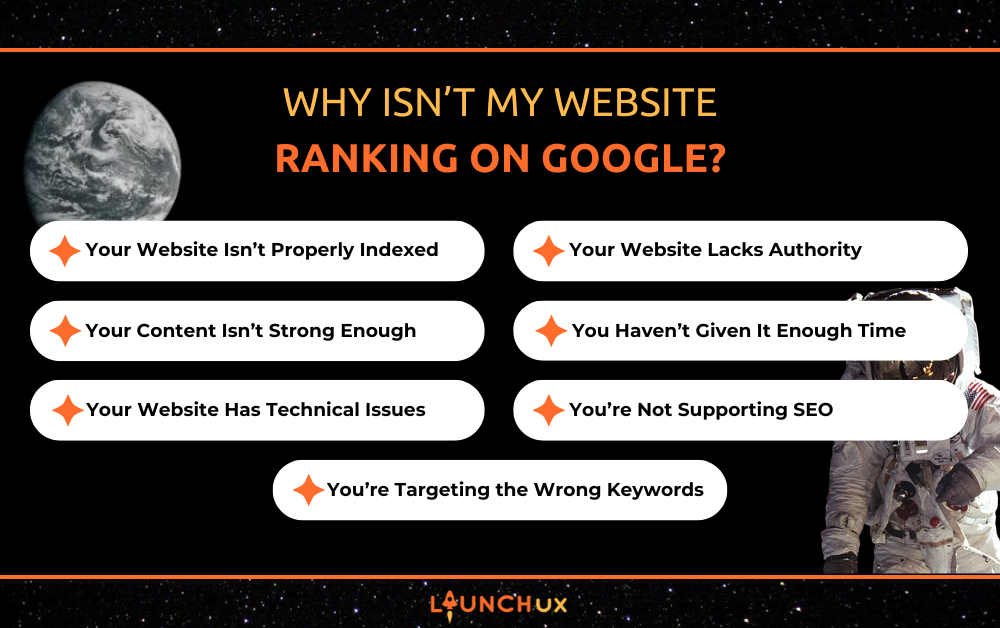
Why Isn’t My Website Ranking on Google?

You launched your website. Maybe you even added pages, wrote blogs, or hired someone to design it. But when you search for your business on Google… nothing shows up.

No traffic. No leads. No visibility.

If this sounds familiar, you’re not alone. One of the most common questions business owners ask is: “Why isn’t my website ranking on Google?”

The good news is that most ranking issues come down to a handful of common SEO mistakes. Once you understand what’s holding your site back, you can start fixing it and building real visibility.

Your Website Isn’t Properly Indexed

What Indexing Means

Before your website can rank, Google has to know it exists. Indexing is the process of Google discovering, analyzing, and storing your web pages.

If Google doesn’t index your site, it won’t show up in search results.

Common Indexing Issues

There are a few reasons your site might not be indexed:

  • Your website hasn’t been submitted to Google Search Console
  • You don’t have a sitemap
  • Pages are accidentally set to “noindex”
  • Your site is brand new and hasn’t been crawled yet

How to Fix It

Start by submitting your site to Google Search Console and uploading a sitemap. You can also request indexing for key pages and check your settings to make sure nothing is blocking search engines.

You’re Targeting the Wrong Keywords

High Competition Keywords

Many businesses try to rank for broad terms like “marketing” or “web design.” The problem is that these keywords are extremely competitive.

New or smaller websites often don’t have the authority to compete with larger, established companies.

No Search Intent Alignment

Even if you are targeting keywords, your content may not match what users are actually looking for. Google prioritizes content that best answers the user’s question.

How to Fix It

Focus on more specific, long-tail keywords that match real searches. For example, instead of “SEO,” target phrases like “why isn’t my website ranking on Google.”

Build content around what your audience is actually asking.

Your Content Isn’t Strong Enough

Thin or Generic Content

If your pages are short, vague, or copied from other sources, they won’t rank well. Google favors content that provides real value.

Not Answering Real Questions

Many websites talk about services but don’t actually answer the questions customers are searching for.

How to Fix It

Create content that is detailed, clear, and helpful. Use structured headings and focus on solving specific problems.

Strong content should:

  • Answer real questions
  • Provide clear explanations
  • Be easy to read and navigate

Your Website Has Technical SEO Issues

Slow Page Speed

If your website takes too long to load, users leave. Google tracks this behavior and may rank your site lower.

Mobile Issues

Most searches now happen on mobile devices. If your site doesn’t work well on phones, it will struggle to rank.

Broken Links or Errors

Technical issues like 404 errors, redirect problems, or crawl errors can prevent Google from properly understanding your site.

How to Fix It

Regularly audit your website for technical issues. Improve load times, ensure mobile responsiveness, and fix any broken pages or links.

Your Website Lacks Authority

What Authority Means in SEO

Google ranks websites based on trust. Authority is built through consistent content, backlinks, and overall credibility.

Why New Sites Struggle

New websites often have:

  • No backlinks
  • No history
  • No established presence

This makes it harder to rank, even with good content.

How to Fix It

Authority builds over time. You can improve it by:

  • Publishing consistent content
  • Earning backlinks from other websites
  • Building a recognizable brand

You Haven’t Given It Enough Time

SEO Takes Time

One of the biggest misconceptions is that SEO works instantly. In reality, it takes time for Google to crawl, index, and trust your website.

What to Expect

Most websites start seeing traction within 3 to 6 months. More competitive industries can take longer.

The Importance of Consistency

SEO is not a one-time effort. Ongoing updates, content creation, and optimization are necessary to maintain and improve rankings.

You’re Not Supporting SEO With Other Channels

SEO Doesn’t Work in Isolation

SEO works best when supported by other marketing efforts.

Website Alone Isn’t Enough

Having a website without promoting it is like printing brochures and never handing them out.

How to Fix It

Support your SEO strategy with:

  • Social media content
  • Blogging
  • Email marketing
  • Paid campaigns when needed

These efforts help drive traffic and reinforce your online presence.

Most SEO Problems Are Fixable With the Right Strategy

If your website isn’t ranking on Google, it’s usually not because something is “broken.” It’s because key SEO fundamentals are missing or not fully developed.

From indexing issues and weak content to lack of authority and unrealistic expectations, most problems can be identified and improved with the right approach.

SEO is a long-term investment, but when done correctly, it becomes one of the most powerful ways to generate consistent traffic and leads.

If you’re unsure where your website stands, LaunchUX can help identify what’s holding you back and build a strategy to get your site ranking and performing. Contact LaunchUX today to get started.

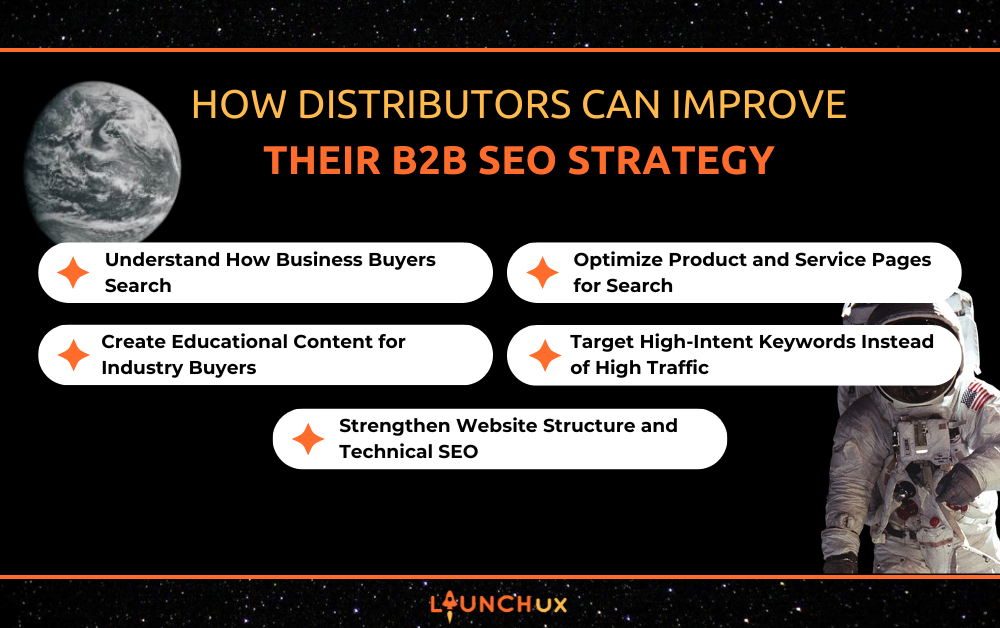
How Distributors Can Improve Their B2B SEO Strategy

Many distributors have traditionally relied on referrals, long-term relationships, and sales teams to bring in new business. While those methods are still important, today’s buyers often start their search for suppliers online. Procurement teams and purchasing managers frequently turn to search engines to research products, compare vendors, and explore potential partners before ever reaching out. Because of this shift, distributors need a strong B2B SEO strategy to stay competitive and make sure their company appears when businesses are actively looking for the products and solutions they provide. By understanding how business buyers search and optimizing their website accordingly, distributors can improve their B2B SEO strategy and generate more qualified opportunities.

Improving B2B SEO starts with understanding how business buyers actually search for suppliers and products online. Unlike consumers who may search broadly or casually, buyers in distribution industries usually have a specific need in mind. They are often looking for reliable suppliers, specific product types, or companies that serve their industry.

Many of these searches include detailed terms that reflect real purchasing intent. Instead of general phrases, buyers often search for supplier-based keywords or product categories tied to their industry. Understanding these search patterns allows distributors to target the keywords their potential customers are already using.

B2B Buyers Search for Suppliers and Solutions

Business buyers typically search for companies that can provide an ongoing supply, not just a single product. This means search queries often include terms like “supplier,” “distributor,” or “wholesale.” When distributors optimize their website around these types of searches, they are more likely to appear when businesses are actively looking for new vendors.

Industry-Specific Keywords Matter

Many B2B searches include industry terminology, product specifications, or niche categories. For example, a buyer may search for something like “industrial fastener distributor” or “bulk electrical components supplier.” Targeting these types of keywords helps distributors attract highly qualified visitors who are already looking for the products they offer.

For many distributors, product and service pages are among the most important on their websites. These pages are often where potential buyers land when they are searching for specific products or suppliers. If these pages are not properly optimized, distributors may miss valuable opportunities to appear in search results when businesses are actively looking for their products.

Improving B2B SEO starts with making sure product and service pages clearly describe what you offer and who you serve. Search engines rely on the information on these pages to understand your offerings, so detailed descriptions and well-structured content help pages rank for relevant searches. Well-optimized product pages also make it easier for buyers to understand whether a supplier can meet their needs quickly.

Include Product Details and Specifications

Business buyers often look for detailed product information before contacting a supplier. Including specifications, product types, materials, sizes, or part numbers can help your pages match the searches buyers are making. This level of detail not only helps buyers evaluate your products but also strengthens your overall B2B SEO by providing search engines with clear information about what your company offers.

Use Keywords That Match Buyer Searches

Product and service pages should include keywords that reflect how businesses search for suppliers. Terms like product categories, industry-specific phrases, and supplier-related keywords help search engines connect your pages with relevant searches. When distributors align their page content with real buyer queries, it improves the chances that their B2B SEO efforts will bring the right visitors to their website.

Create Educational Content for Industry Buyers

Many business buyers do extensive research before reaching out to a supplier. They often search for answers to specific questions, product comparisons, or solutions to industry challenges. Creating helpful content that addresses these topics can make it easier for distributors to appear in search results during the early stages of the buying process.

Educational content plays an important role in strengthening B2B SEO because it allows distributors to rank for the types of questions and searches buyers make while researching suppliers. By publishing helpful information related to your products and industry, distributors can position themselves as knowledgeable partners while also attracting potential customers through search engines.

Answer Questions Buyers Are Searching For

Many buyers search for information before choosing a supplier. Questions about product performance, materials, specifications, or applications are common during the research phase. Creating content that answers these questions helps your website appear when buyers are actively looking for solutions.

Industry Content Builds Trust

Business buyers want to work with suppliers who understand their industry and products. Articles, guides, and educational resources can demonstrate expertise while helping visitors learn more about your offerings. Over time, this type of content supports B2B SEO by increasing your visibility in search results and building trust with potential buyers.

Target High-Intent Keywords Instead of High Traffic

One of the biggest differences in B2B SEO is that success is not measured by traffic alone. Many distribution-related searches have lower search volume than consumer keywords, but the people making those searches are often much closer to making a purchasing decision. Because of this, distributors should focus on attracting the right visitors rather than simply trying to increase website traffic.

By targeting keywords that reflect real purchasing intent, distributors can bring more qualified buyers to their website. This approach strengthens B2B SEO by connecting your website with businesses that are actively looking for suppliers, products, or industry solutions.

High-Intent Keywords Drive Better Leads

High-intent keywords often include words that signal a buyer is searching for a supplier or specific product. Terms like “distributor,” “supplier,” “wholesale,” or industry-specific product names can indicate that a business is looking for a vendor. When distributors target these types of searches, they are more likely to attract visitors who are ready to take the next step.

Niche Industry Keywords Can Be Extremely Valuable

Many distribution companies operate in specialized industries where search volume may be small but highly relevant. Ranking for niche keywords tied to specific products or sectors can generate consistent, high-quality leads. This is why a focused keyword strategy is an important part of a strong B2B SEO strategy.

Strengthen Website Structure and Technical SEO

A strong website structure plays an important role in improving B2B SEO. Search engines need to be able to easily crawl and understand your website in order to rank it properly. When a distributor’s website is organized clearly, it becomes easier for both search engines and potential buyers to find the products and information they are looking for.

Improving your website’s structure can also help visitors navigate product categories, services, and resources more efficiently. A well-organized site not only supports a better user experience but also strengthens your overall B2B SEO strategy by making it easier for search engines to index your pages.

Organized Product Categories Improve SEO

Distribution companies often carry large product catalogs, which makes clear organization especially important. Grouping products into logical categories and subcategories helps both users and search engines understand how the website is structured. This organization makes it easier for buyers to find what they need and helps search engines recognize the relevance of each page.

Technical SEO Helps Search Engines Index Pages

Technical SEO focuses on making sure search engines can properly access and interpret your website. Factors such as fast loading speeds, mobile-friendly design, and clean site architecture all contribute to better performance in search results. When these technical elements are optimized, they support B2B SEO by helping search engines crawl, index, and rank your pages more effectively.

Conclusion

Improving B2B SEO requires a strategy built around how business buyers search for suppliers and products online. By understanding buyer behavior, optimizing product and service pages, creating helpful industry content, and targeting high-intent keywords, distributors can make it easier for potential customers to find them in search results. When these elements work together, B2B SEO becomes a powerful way for distributors to attract qualified buyers who are actively looking for the products and solutions they offer. Working with an experienced team like LaunchUX can help distributors build a strategy that turns search visibility into real business opportunities. Contact LaunchUX today to get started.

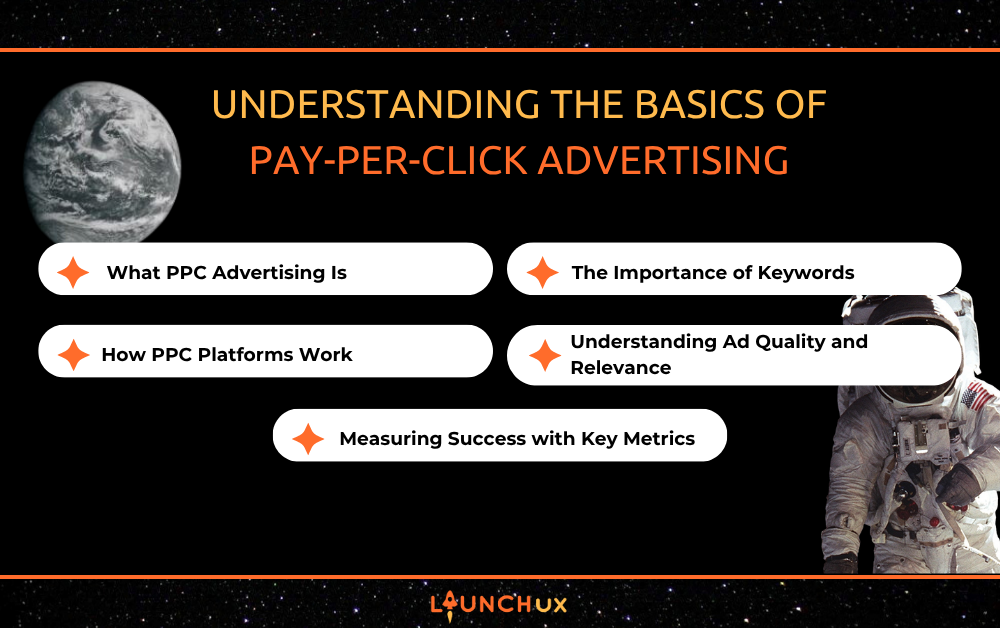
Understanding the Basics of PPC Advertising

Pay-Per-Click (PPC) advertising has become a cornerstone of modern digital marketing, enabling businesses to reach highly targeted audiences quickly. LaunchUX helps companies maximize their online visibility through expert PPC campaign management, ensuring that every ad drives measurable results. Understanding the basics of PPC is essential for any business looking to enhance online engagement and improve ROI. From platforms and keywords to ad quality and performance metrics, every aspect of PPC contributes to campaign success. Mastering these fundamentals allows businesses to implement strategies that are both efficient and effective.

What PPC Advertising Is

Performance-Based Advertising

In Pay-Per-Click campaigns, advertisers incur a cost each time a user clicks their ad. Unlike traditional marketing or purely organic traffic strategies, PPC allows businesses to place ads directly in front of potential customers. This targeted approach provides immediate visibility while ensuring the budget is spent only when engagement occurs. PPC campaigns are results-driven, with payments tied to actual interactions rather than impressions. Grasping this performance-based concept is a critical first step in any PPC campaign management strategy.

Targeted Exposure

The true advantage of PPC lies in its ability to target audiences with precision. Ads can be shown to users based on search terms, demographics, geographic location, or online behavior. This ensures that marketing budgets are directed toward individuals most likely to convert. By combining targeting options with compelling ad copy, businesses can reach the right people at the right moment. Proper targeting enhances the overall efficiency of a PPC campaign and maximizes potential returns.

Immediate Results

Unlike SEO, which may take months to produce results, PPC campaigns deliver almost instant traffic and visibility. When executed properly, ads appear as soon as campaigns go live, allowing businesses to generate leads and track performance immediately. This rapid feedback loop enables marketers to adjust strategies in real time for optimal outcomes. Immediate results make PPC a highly attractive option for businesses seeking fast, measurable impact. Understanding this dynamic helps set realistic expectations and goals for every campaign.

How PPC Platforms Work

Major PPC Platforms

For most PPC campaigns, popular options include Microsoft Advertising, Google Ads, and social media platforms such as Facebook, LinkedIn, and Instagram. The platforms provide specialized features and targeting strategies that align with diverse business goals and audience types. Knowing the pros and cons of every platform allows you to craft campaigns that maximize performance. LaunchUX emphasizes selecting the right platform to match the business’s target audience and marketing goals. Using the appropriate platform ensures that campaigns are both relevant and cost-efficient.

Auction System Mechanics

PPC advertising works via an auction system that lets advertisers bid on specific keywords or audience segments. The winning ads are determined not only by the bid amount but also by ad quality, relevance, and user experience. A well-optimized ad with high relevance can outperform a higher bid, reducing cost-per-click while maximizing exposure. Understanding these mechanics allows businesses to design competitive campaigns that make the most of their budget. Mastery of auction strategies is a key component of successful PPC campaign management.

Optimization Opportunities

Beyond selecting a platform and setting up a PPC campaign, PPC campaign management requires continuous optimization. Advertisers must monitor performance, adjust bids, and refine targeting to improve results. Platforms often provide insights and analytics that help guide these adjustments. By taking a data-driven approach, businesses can enhance ad performance and reduce wasted spend. Effective optimization ensures that campaigns remain competitive and continue generating meaningful engagement.

The Importance of Keywords

Relevance and Targeting

Keywords are the foundation of most PPC campaigns, especially in search engine advertising. Choosing relevant and highly targeted keywords ensures that ads appear when potential customers are actively searching for related products or services. This alignment between search intent and ad content improves click-through rates and conversion opportunities. Careful keyword selection prevents budget waste on irrelevant clicks. A strategic approach to keyword research is critical to PPC success.

Long-Tail Keywords

Using long-tail keywords allows advertisers to reach a more specific audience with greater buying intent. These longer, more precise search terms often have lower competition and cost-per-click. Incorporating long-tail keywords into campaigns can increase relevance and improve ROI. LaunchUX emphasizes balancing broad and long-tail keywords for comprehensive PPC coverage. Leveraging both types ensures campaigns capture high-value traffic without overspending.

Negative Keywords

Properly managing negative keywords is an important part of a PPC strategy, as they prevent ads from showing for irrelevant searches. Excluding these terms reduces wasted spend and improves overall campaign efficiency. This practice ensures that ad impressions and clicks come from users who are more likely to convert. Proper use of negative keywords contributes to a higher quality score and better performance. Incorporating this strategy is a hallmark of effective PPC campaign management.

Understanding Ad Quality and Relevance

Impact on Placement

Ad quality and relevance directly affect where and how often an ad is displayed. Search engines prioritize ads that match user intent and provide a positive experience. High-quality ads with compelling copy and optimized landing pages often achieve better placement at lower costs. Understanding this connection allows businesses to maximize their ad exposure and return on investment. Quality-driven campaigns outperform poorly constructed ads every time.

User Experience Considerations

Ads should be designed to guide users seamlessly to a valuable destination, whether it’s a landing page, product page, or sign-up form. Providing a strong user experience increases the likelihood of engagement and conversion. Poor ad relevance or confusing navigation can lead to wasted clicks and higher costs. LaunchUX focuses on crafting ad content that aligns with user expectations and business goals. Prioritizing user experience ensures sustainable success for PPC campaigns.

Ongoing Testing and Improvement

Continuous testing of ad copy, visuals, and calls-to-action helps uncover which strategies generate the most engagement from your audience. Regular adjustments based on data-driven insights improve both click-through and conversion rates over time. This iterative process is essential for maintaining campaign effectiveness in a competitive digital landscape. Successful PPC campaign management involves constant refinement and optimization. Testing ensures that campaigns evolve alongside audience behavior.

Measuring Success with Key Metrics

Click-Through Rate (CTR)

CTR indicates how effectively an ad attracts clicks from the target audience. A high CTR suggests that the ad is relevant, engaging, and aligned with user intent. Monitoring CTR allows marketers to refine targeting, messaging, and placement. LaunchUX emphasizes analyzing this metric alongside other KPIs to get a complete view of performance. Strong CTRs are a positive signal for both ad platforms and campaign results.

Cost Per Click (CPC) and Budget Efficiency

CPC measures the cost per click for each click generated by a campaign. Keeping CPC within budget is essential for maximizing ROI. Lowering CPC without compromising traffic quality requires careful bidding, keyword selection, and ad optimization. Understanding and managing CPC ensures that campaigns remain cost-effective. Efficient budget management is a core skill in PPC campaign management.

Conversion Rate and ROI

Conversion rate tracks how many clicks result in desired actions, such as purchases, sign-ups, or inquiries. High conversion rates demonstrate that the campaign successfully attracts relevant traffic. Monitoring ROI ensures that every dollar spent contributes to business goals. By analyzing conversions alongside spend and engagement metrics, businesses can make informed decisions about scaling or refining campaigns. Evaluating these metrics is critical for long-term PPC success.

Conclusion

Understanding the fundamentals of PPC advertising is essential for creating campaigns that deliver measurable results. From grasping the concept of performance-based advertising to mastering keywords, ad quality, and analytics, every aspect contributes to success. LaunchUX specializes in PPC campaign management, helping businesses optimize their ads, reach the right audience, and maximize ROI. By focusing on these foundational skills, companies can launch campaigns that are efficient, cost-effective, and highly engaging. Contact LaunchUX today to learn how our experts can elevate your PPC strategy and drive real business growth.

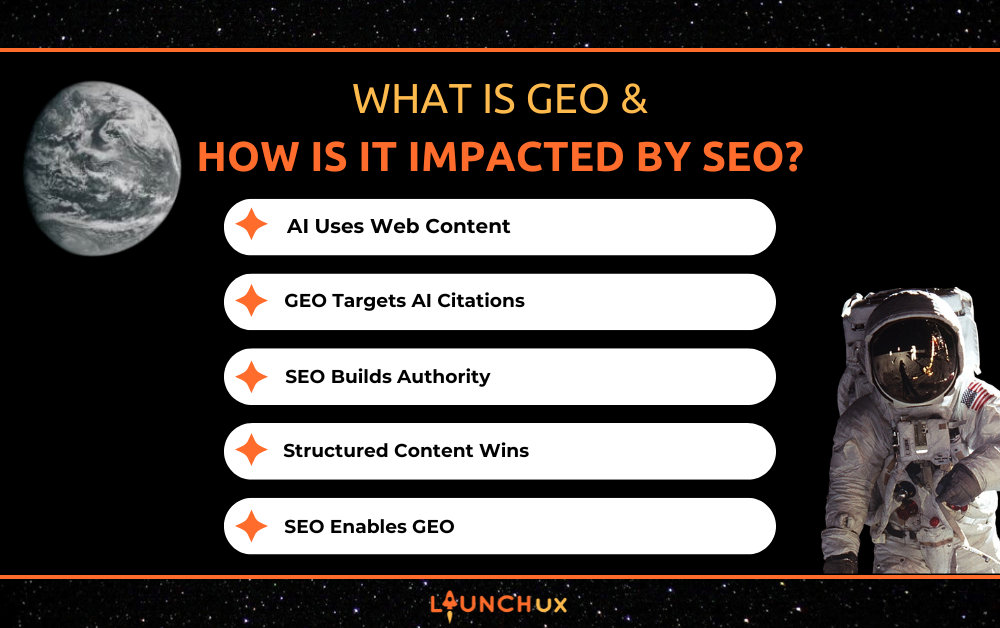
What Is GEO and How Is It Impacted by SEO?

Search technology is evolving quickly. As artificial intelligence tools become more common, the way people find information online is beginning to change. Instead of scrolling through a list of links, users can now ask AI tools direct questions and receive summarized answers.

This shift has introduced a new concept in digital marketing: GEO, or Generative Engine Optimization.

Some people believe GEO will replace traditional search engine optimization. In reality, the opposite is true. GEO depends on a strong SEO foundation. Businesses that already invest in SEO are far more likely to benefit from GEO as AI-driven search continues to grow.

Understanding how GEO works and how it connects to SEO can help businesses prepare for the future of search visibility.

What Is GEO (Generative Engine Optimization)?

GEO stands for Generative Engine Optimization. It focuses on optimizing content so that AI tools can recognize, reference, and cite it when generating answers.

Instead of simply appearing in search results, the goal of GEO is to have your website used as a trusted source when AI tools generate responses to questions.

For example, when someone asks an AI tool a question, the system analyzes information across the web and summarizes it. Websites that provide clear, authoritative information are more likely to be included as sources.

The goal of GEO is to make sure your content is one of those sources.

How AI Tools Find Content to Cite

Even though AI tools generate responses automatically, they still rely heavily on information from the web.

AI systems analyze existing content and identify sources that appear credible, structured, and relevant.

Content that is more likely to be cited by AI tools typically includes:

  • Clear explanations of topics
  • Strong authority in a subject area
  • Well-structured headings and sections
  • Consistent publishing of helpful content
  • Reliable, trustworthy information

When content is easy for both people and search engines to understand, AI systems can interpret it more easily as well.

Why SEO Is the Foundation of GEO

Before AI tools can reference your website, your content must first be discoverable. This is where SEO becomes essential.

SEO ensures search engines can crawl, index, and understand your website content.

SEO contributes to GEO success by helping your site:

  • Become visible in search engines
  • Build authority in a topic area
  • Create structured, informative content
  • Maintain strong technical performance

Without these SEO fundamentals, it is unlikely that AI tools will view a website as a reliable source worth citing.

How GEO and SEO Work Together

GEO and SEO are not competing strategies. They work together.

SEO drives visibility. It helps search engines discover and rank your content.

GEO extends that visibility. When your content demonstrates authority and clarity, AI tools may begin referencing it when generating answers.

The relationship is simple.
SEO creates the foundation. GEO builds on top of it.

Businesses that ignore SEO will struggle to achieve meaningful GEO results.

Content Strategies That Support GEOon Clear, Informative Writing

Businesses that want their content cited by AI tools should focus on clear, informative content strategies.

Some effective approaches include:

  • Answering common industry questions
  • Creating detailed guides and resources
  • Publishing content around a consistent topic area
  • Structuring pages with clear headings
  • Writing content that is easy to understand

Content that clearly answers questions is particularly valuable because AI systems often generate responses around those types of queries.

GEO Builds on a Strong SEO Foundation

Generative Engine Optimization is an emerging concept that reflects how AI tools interact with online content. However, GEO does not replace SEO. It depends on it.

Before a website can be cited by AI tools, it must first establish authority, relevance, and discoverability through strong SEO practices. Businesses that invest in high-quality content, structured information, and optimized websites will be better positioned to appear in both traditional search results and AI-generated answers.

As search technology continues to evolve, the most effective digital strategy will combine the fundamentals of SEO with content designed to serve both human readers and AI systems.

Businesses that want to strengthen their visibility in both traditional search and emerging AI environments should start with a strong SEO foundation. Contact LaunchUX today to build a strategy that prepares your website for the future of search.

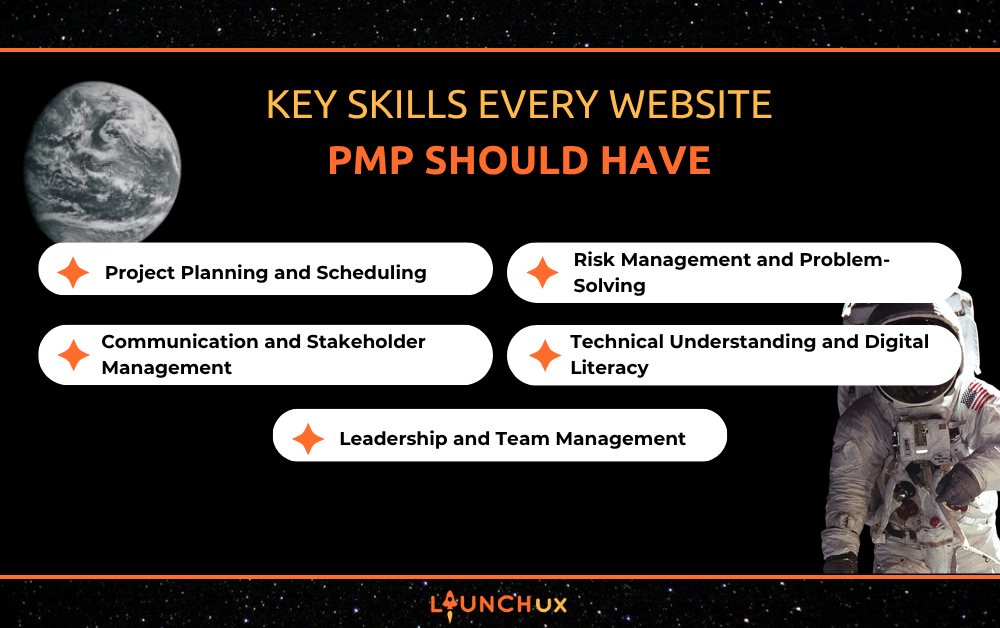
Key Skills Every Website PMP Should Have

Website projects are complex, involving multiple teams, tight deadlines, and evolving client requirements. Ensuring these projects run smoothly requires skilled PMPs who can balance technical understanding with strong leadership and organization. LaunchUX specializes in helping businesses optimize website development through expert project management, ensuring that every project meets its goals efficiently. By understanding the essential skills that every website PMP should have, companies can improve collaboration, reduce risks, and deliver high-quality digital experiences. These skills not only enhance project outcomes but also strengthen relationships between clients, developers, and designers.

Project Planning and Scheduling

Crafting Comprehensive Project Plans

Project planning is the backbone of successful website management, requiring PMPs to map out timelines, milestones, and deliverables in detail. A well-structured plan helps teams understand what is expected at each stage of the project, ensuring that deadlines are realistic and achievable. By anticipating potential obstacles and allocating resources effectively, PMPs can prevent delays and bottlenecks. This careful preparation allows the team to prioritize quality rather than rushing to meet deadlines. Strong planning provides a clear roadmap that guides a project from concept to completion.

Efficient Resource Allocation

Efficient resource management is a fundamental component of project planning that ensures every team member has what they need to perform effectively. PMPs must balance workloads, assign tasks based on expertise, and adjust assignments as priorities shift. Proper allocation helps prevent burnout and maintain high productivity throughout the project lifecycle. This skill ensures that both human and technical resources are utilized optimally. Efficient management of resources is essential for maintaining momentum and avoiding costly delays.

Adjusting Plans Dynamically

Even the most thorough project plan may require adjustments as the project progresses. PMPs need to monitor performance and be ready to pivot when unexpected challenges arise. Dynamic adjustments prevent minor setbacks from escalating into major issues that threaten the project’s timeline or quality. This flexibility is critical for keeping the team aligned and ensuring that goals are still met. By maintaining a proactive approach, PMPs can adapt to changes without compromising project outcomes.

Communication and Stakeholder Management

Clear and Consistent Communication

Communication is essential for aligning teams, clients, and other stakeholders during website development projects. PMPs must convey complex technical information in a way that is understandable to non-technical team members. Consistent communication guarantees that everyone shares the same understanding, reducing misunderstandings and errors. Frequent updates and transparent reporting build trust between all parties. A PMP who communicates effectively fosters a collaborative and accountable work environment.

Managing Expectations

Stakeholder management involves setting realistic expectations about timelines, deliverables, and potential challenges. PMPs need to balance client desires with the team’s capacity and project constraints. By keeping stakeholders informed, they reduce the likelihood of conflicts or disappointment. Proactively addressing concerns allows teams to adapt while maintaining project momentum. Managing expectations is critical for maintaining strong relationships and project satisfaction.

Conflict Resolution and Collaboration

In any complex project, conflicts may arise between team members or with clients. PMPs must intervene diplomatically to resolve disputes and keep the project on track. Encouraging collaboration, negotiating compromises, and providing guidance helps maintain a positive working atmosphere. Effective conflict resolution ensures that disagreements do not impact productivity or quality. Strong communication and collaboration skills are fundamental to the success of website PMPs.

Risk Management and Problem-Solving

Identifying and Mitigating Risks

Every website project faces potential risks, from scope creep to technical issues that can delay deliverables. PMPs must anticipate these risks early and develop strategies to reduce their impact. Proper risk assessment helps prevent problems from derailing the project. By monitoring progress and spotting warning signs, PMPs can act before issues become critical. Risk management is a proactive skill that safeguards timelines, budgets, and overall project success.

Troubleshooting Unexpected Challenges

Even with careful planning, unexpected issues often arise during website development. PMPs need strong problem-solving abilities to address these challenges quickly and effectively. Whether it involves a technical glitch or a team bottleneck, swift intervention prevents delays from escalating. Good PMPs analyze problems, consider alternatives, and implement solutions efficiently. Strong troubleshooting ensures projects stay on track despite unforeseen obstacles.

Maintaining Project Continuity

Proactive risk management and problem-solving help maintain continuity throughout the project lifecycle. PMPs must ensure that even when setbacks occur, the team can continue working toward project goals. This requires adaptability and a focus on solutions rather than setbacks. By keeping projects moving forward, PMPs protect deadlines and maintain quality standards. Project continuity is a key factor in successful website delivery.

Technical Understanding and Digital Literacy

Understanding Web Technologies

Website PMPs must be familiar with web technologies, content management systems, and development workflows to make informed decisions. This understanding allows them to evaluate technical solutions and support team members effectively. Being technically literate helps PMPs anticipate challenges before they become problems. Knowledge of digital tools and platforms ensures projects run smoothly and efficiently. Technical literacy is critical for bridging the gap between creative vision and practical implementation.

Supporting Design and Development

PMPs also need to understand design principles, SEO basics, and responsive development practices. This knowledge allows them to provide meaningful guidance and feedback to designers and developers. By understanding the implications of design and technical decisions, PMPs ensure that the final product meets client expectations. Supporting the team in this way reduces misunderstandings and enhances collaboration. A technically informed PMP adds significant value to website projects.

Evaluating Tools and Solutions

Part of a PMP’s role is to evaluate software tools, plugins, and other solutions that may improve workflow or project quality. This requires staying up to date with emerging technologies and industry best practices. Identifying tools that streamline processes or improve results ensures more efficient project management. Choosing the right solutions contributes to both the project’s success and stakeholders’ satisfaction. Technical evaluation is a strategic skill for all effective PMPs.

Leadership and Team Management

Motivating and Guiding Teams

Website PMPs lead cross-functional teams that include designers, developers, and content specialists. Effective leadership involves motivating team members, providing clear direction, and maintaining focus on project objectives. By setting expectations and modeling accountability, PMPs keep teams engaged and productive. Strong leadership helps maintain morale and encourages collaboration. A PMP who inspires confidence ensures that team members perform at their best.

Delegating Tasks Effectively

Delegation is critical for ensuring that work is distributed according to expertise and capacity. PMPs assign tasks thoughtfully, ensuring that team members have clear responsibilities and achievable workloads. Proper delegation prevents burnout and ensures the project progresses efficiently. It also empowers team members by leveraging their skills effectively. Delegating strategically is essential for maintaining productivity and project quality.

Monitoring Performance and Providing Feedback

Tracking progress and providing timely feedback helps maintain high standards throughout the project. PMPs evaluate team performance, identify areas for improvement, and offer guidance to optimize results. Constructive feedback encourages growth while keeping the project on track. This ongoing oversight ensures that deadlines are met and quality is maintained. Strong performance management is a hallmark of successful PMPs for websites.

Conclusion

Website PMPs play a pivotal role in ensuring that digital initiatives finish on schedule, under budget, and with top-notch performance. Key skills such as project planning, communication, risk management, technical understanding, and leadership are essential for guiding teams and managing complex website projects. At LaunchUX, we help businesses leverage skilled PMPs to streamline workflows, mitigate risks, and deliver exceptional digital experiences. By focusing on these core skills, PMPs can enhance collaboration, improve project outcomes, and drive long-term success. 

Contact LaunchUX today to learn more about how our expert PMPs can elevate your next website project.

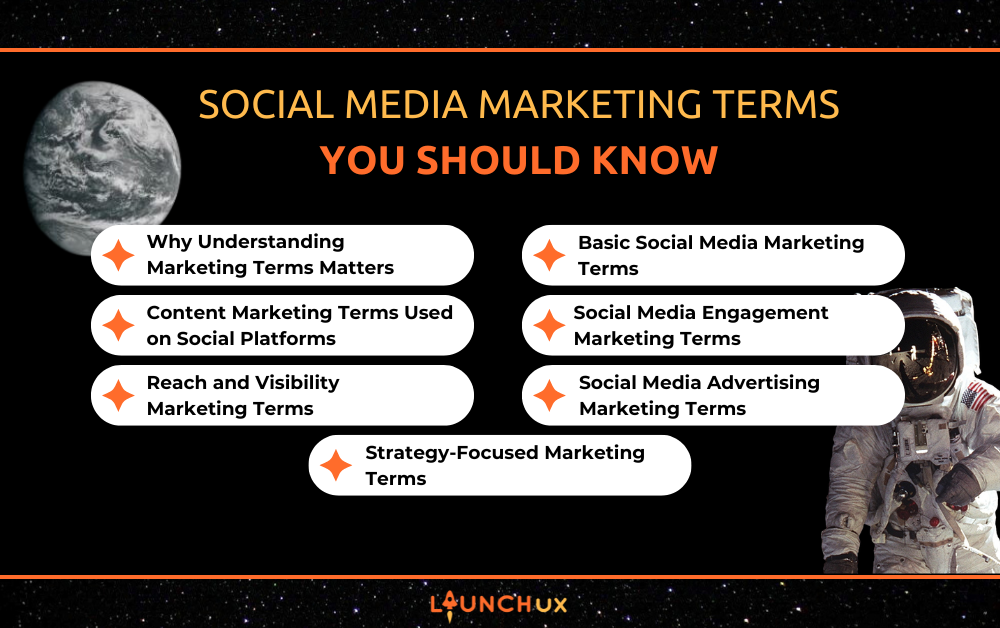
Social Media Marketing Terms You Should Know

Social media has become one of the most powerful tools businesses use to reach customers, build brand awareness, and drive growth. But if you have ever reviewed a marketing report or talked with a marketing professional, you may have noticed that social media comes with its own language. From engagement rates to impressions and conversions, there are many marketing terms used to measure performance and guide strategy. Understanding these marketing terms can help business owners better evaluate their social media efforts, communicate with their marketing team, and make more informed decisions about their digital strategy. In this guide, we will break down some of the most important social media marketing terms you should know and explain what they mean in simple terms.

Why Understanding Marketing Terms Matters

Many business owners invest in social media marketing but struggle to understand the results when reports are filled with unfamiliar marketing terms. Learning these terms helps you better interpret performance data and understand what metrics like reach, impressions, and engagement actually mean for your business. Instead of simply looking at numbers, you can begin to see how audiences are interacting with your content and what actions they are taking.

Understanding marketing terms also improves communication with your marketing team or agency. When you know the language behind social media strategy and analytics, it becomes much easier to discuss campaign performance, set goals, and make informed decisions about your marketing efforts. In many cases, having a basic understanding of these marketing terms can help business owners feel more confident when reviewing reports, planning campaigns, and evaluating their return on investment.

Basic Social Media Marketing Terms

Before diving into analytics and strategy, it helps to understand the basic marketing terms used in everyday social media management. These terms describe the core elements of how content is published, shared, and discovered on social platforms.

Post

A post is any piece of content published on a social media platform. This could include images, videos, links, or text updates shared with your audience.

Caption

The caption is the text that accompanies a post. It provides context, tells a story, or encourages users to take action, often including hashtags or a call to action.

Hashtag (#)

A hashtag is a keyword or phrase preceded by the # symbol that helps categorize content. Hashtags make posts easier for users to discover when searching for specific topics.

Tagging

Tagging allows you to mention another account within a post or photo using the @ symbol. This helps notify the tagged account and can increase visibility.

Handle or Username

A handle is the unique name used to identify a social media account, typically displayed with the @ symbol. It is how users search for and mention your brand.

Direct Message (DM)

A direct message is a private conversation between users on a social platform. Businesses often use DMs to answer questions, provide customer support, or respond to inquiries.

Content Marketing Terms Used on Social Platforms

Social media platforms offer a variety of content formats that businesses can use to connect with their audience. Understanding these marketing terms helps businesses choose the right type of content to reach customers, build engagement, and strengthen their online presence.

Carousel Post

A carousel post allows multiple images or videos to appear in a single post that users can swipe through. Businesses often use carousel posts to showcase products, explain a process, or highlight multiple features within one piece of content. This format is beneficial because it keeps users interacting with the post longer, which can improve engagement and increase visibility in the platform’s algorithm.

Stories

Stories are short pieces of content that disappear after 24 hours. Many businesses use them to share quick updates, behind-the-scenes content, promotions, or reminders. Because stories appear at the top of a user’s feed, they help brands stay visible and provide a simple way to keep audiences engaged throughout the day.

Reels or Short-Form Video

Short-form videos are brief, vertical videos designed to capture attention quickly. Platforms like Instagram and Facebook often prioritize video content, meaning reels can reach a wider audience than traditional posts. For businesses, this format can help introduce products, share quick tips, or showcase brand personality while increasing the chances of being discovered by new followers.

Live Video

Live video allows businesses to broadcast in real time and interact with viewers as they watch. Companies often use live streaming for product demonstrations, Q&A sessions, or educational content. This format helps build authenticity and trust because audiences can ask questions and engage directly with the brand.

User-Generated Content (UGC)

User-generated content refers to photos, videos, or posts created by customers rather than the brand itself. Businesses often share UGC to highlight real experiences with their products or services. This type of content can be very powerful because it acts as social proof, showing potential customers that others trust and enjoy the brand.

Social Media Engagement Marketing Terms

Engagement is one of the clearest indicators of how well content connects with an audience. These marketing terms are commonly used to measure how people interact with posts and how effectively content encourages participation.

Engagement

Engagement refers to any interaction a user has with content, including likes, comments, shares, or saves. High engagement usually indicates that the content is relevant and interesting to the audience. Social media platforms often prioritize posts that generate strong engagement, which can help increase overall visibility.

Engagement Rate

Engagement rate measures the level of interaction a post receives compared to the number of people who saw it. Marketers use this metric to determine how effective content is at capturing attention. A strong engagement rate suggests that the message, visuals, or topic is resonating with the audience.

Likes or Reactions

Likes or reactions are quick responses that allow users to acknowledge a post without leaving a comment. While they are one of the simplest forms of engagement, they still signal to social media algorithms that users are interacting with the content. Consistent reactions can help improve how often posts appear in followers’ feeds.

Comments

Comments allow users to respond directly to a post with their thoughts, questions, or feedback. This type of interaction often leads to conversations between brands and their audience. Active comment sections can strengthen relationships and create a sense of community around a brand.

Shares

Shares occur when users repost or distribute content to their own followers. This interaction expands the reach of a post beyond the original audience and introduces the content to new viewers. Posts that receive shares often gain additional exposure and credibility.

Saves

Saves allow users to bookmark content so they can return to it later. This typically happens when a post contains helpful information, inspiration, or resources worth revisiting. A high number of saves signals that the content provides lasting value to the audience.

Reach and Visibility Marketing Terms

Another group of important marketing terms focuses on how many people see your content and how widely it spreads across a platform. These metrics help businesses understand the visibility of their posts and how effectively their content is being distributed to an audience.

Reach

Reach refers to the number of unique people who see a piece of content. If one person views the same post multiple times, they are only counted once in reach. This metric helps show how many individual users your content is being exposed to.

Impressions

Impressions represent the total number of times a post appears on users’ screens. Unlike reach, impressions count every time the content is displayed, even if the same person sees it multiple times. Comparing impressions and reach can help marketers understand how frequently content is being viewed.

Organic Reach

Organic reach measures how many people see content naturally without any paid promotion. This type of visibility comes from followers, shares, and platform algorithms recommending the content to others. Strong organic reach often suggests that the content is engaging and relevant to the audience.

Paid Reach

Paid reach refers to the number of people who see content because it has been promoted through advertising. Businesses often use paid reach to target specific audiences, increase visibility, and expand their message beyond existing followers.

Social Media Advertising Marketing Terms

Many businesses use paid advertising on social media to reach new audiences and drive specific actions like website visits or purchases. The following marketing terms are commonly used to measure the performance and cost-effectiveness of social media advertising campaigns.

PPC (Pay-Per-Click)

Pay-per-click is an advertising model where advertisers pay each time someone clicks on their ad. Instead of paying simply for visibility, this model focuses on actual user interaction. PPC campaigns are often used to drive traffic to websites, landing pages, or product listings.

CPM (Cost Per Thousand Impressions)

CPM refers to the cost of displaying an advertisement 1,000 times. This pricing model is often used when the goal is to increase brand awareness rather than generate immediate clicks. It helps advertisers measure how efficiently they can get their message in front of a large audience.

CPC (Cost Per Click)

Cost per click measures how much an advertiser pays for each click on their ad. This metric helps determine how expensive it is to drive traffic through paid advertising. Lower CPC often indicates that ads are performing efficiently and attracting relevant audiences.

CTR (Click-Through Rate)

Click-through rate represents the percentage of people who click on an ad after seeing it. A higher CTR typically suggests that the ad is relevant and compelling to the audience. Marketers often monitor this metric to evaluate how well an ad’s messaging and visuals are performing.

Conversion

A conversion occurs when a user completes a desired action after interacting with an ad. This action could include making a purchase, filling out a contact form, signing up for a newsletter, or downloading a resource.

Conversion Rate

Conversion rate measures the percentage of users who complete a desired action after clicking an ad. This metric helps marketers understand how effectively ads and landing pages turn visitors into leads or customers.

Strategy-Focused Marketing Terms

Beyond content and analytics, several marketing terms relate to the planning and strategy behind successful social media campaigns. These terms help guide how businesses communicate with their audience and organize their marketing efforts.

Content Calendar

A content calendar is a schedule that outlines what content will be posted and when. It helps businesses plan social media posts in advance so messaging stays consistent and organized. Using a content calendar also makes it easier to align posts with promotions, events, or seasonal trends.

Target Audience

A target audience is the specific group of people a business wants to reach with its marketing efforts. This group may be defined by factors such as age, location, interests, or industry. Clearly identifying a target audience helps ensure that content and advertising are relevant to the people most likely to become customers.

Brand Voice

Brand voice refers to the tone and personality a business uses when communicating online. Some brands use a professional and educational tone, while others may be more conversational or playful. Maintaining a consistent brand voice helps create a recognizable identity across social media platforms.

Call to Action (CTA)

A call to action is a prompt that encourages users to take a specific next step. Examples include phrases like “Learn More,” “Contact Us,” or “Shop Now.” Including clear CTAs helps guide users toward meaningful interactions with a business.

Social Listening

Social listening is the process of monitoring conversations and mentions related to a brand, product, or industry. This practice helps businesses understand what customers are saying online and identify trends in audience behavior. Insights gathered through social listening can help shape future content ideas and improve engagement strategies.

Conclusion

Social media marketing can feel complicated when reports and strategies are filled with unfamiliar language. Learning these marketing terms helps business owners better understand performance metrics, evaluate results, and make informed decisions about their strategy. While understanding the terminology is a great start, building a successful social media presence requires consistent content, analysis, and strategic planning. The social media team at LaunchUX helps businesses turn social media into a powerful marketing tool through professional social media management and data-driven strategies.

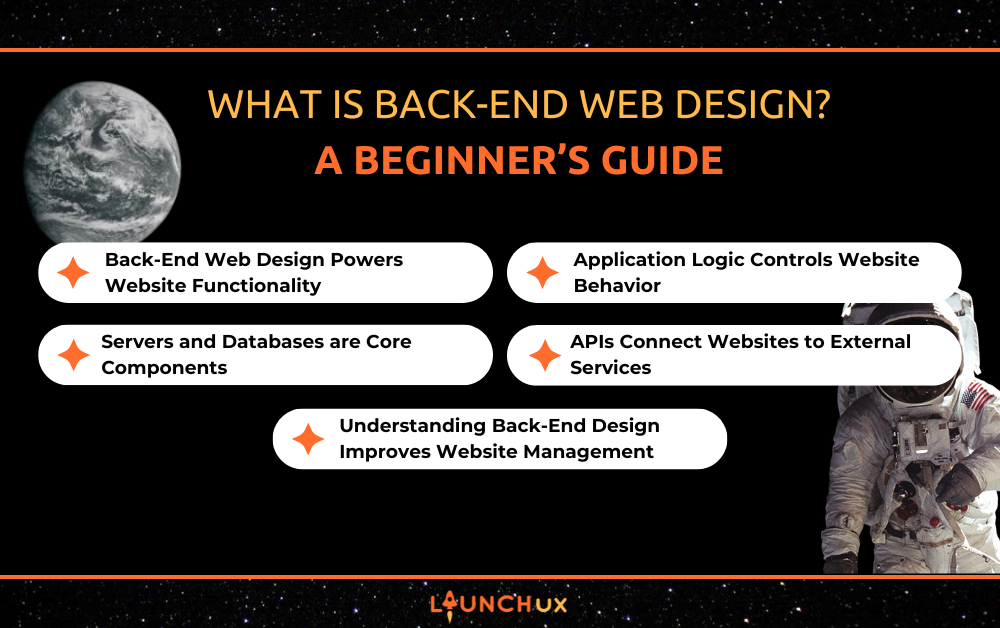
What is Back-End Web Design? A Beginner’s Guide

The true power of any online platform lies in what happens behind the scenes, and that’s where back-end web design comes in. Back-end systems manage servers, databases, APIs, and application logic to ensure websites function smoothly and securely. A well-designed back end ensures users can log in, make purchases, or submit forms without issues. Small business owners and developers alike benefit from understanding these foundations to build reliable, professional websites. Experts like LaunchUX specialize in creating back-end solutions that deliver both performance and user satisfaction.

Back-End Web Design Powers Website Functionality

What Back-End Design Does

Back-end web design refers to the systems that operate behind the visible interface. While front-end design focuses on layout, style, and interactivity, the back end enables actions, from processing user logins to managing e-commerce transactions. Without a properly functioning back end, a website may look good but fail when visitors try to interact with it. Understanding these functions helps business owners appreciate the technical complexity needed to deliver a smooth experience. Proper back-end design directly impacts usability, reliability, and overall business credibility.

Key Components in Action

Servers, databases, and application logic form the backbone of back-end functionality. The server handles user requests, while the database stores essential information such as product inventories, user profiles, and transaction records. Application logic dictates how the website behaves, ensuring processes such as checkout and form submission function correctly. When these components are optimized and synchronized, websites perform efficiently and securely. This coordination supports seamless experiences and prevents operational disruptions.

Why Functionality Matters

A functional back end not only supports daily operations but also affects business growth and customer satisfaction. Issues such as slow processing, failed transactions, or broken features can frustrate users and damage your reputation. Businesses that invest in professional back-end web design can prevent these issues and provide reliable services. Strong functionality also supports scalability, allowing websites to handle growth in traffic and features. Ultimately, a well-designed back end is a foundation for user trust and long-term success.

Servers and Databases are Core Components

Role of the Server

The server hosts the website and processes user requests, acting as the central hub for all interactions. A poorly maintained server can cause slow load times or downtime, which in turn affect usability and search rankings. Back-end developers ensure that servers are optimized for performance and security. Regular monitoring and maintenance prevent disruptions and improve reliability. For small business web design, understanding server roles helps owners make informed decisions about hosting and infrastructure.

Importance of Databases

Databases store critical information, including customer profiles, product catalogs, and order histories. Mismanaged databases can lead to data loss, slow performance, or transaction errors. Back-end web design ensures databases are structured, secure, and efficiently queried. Optimized database management reduces downtime and enhances the overall user experience. Knowing how databases function helps business owners prioritize features and data integrity.

Connecting Server and Database

Servers and databases work together to deliver content and handle user requests. Data flows from the database through the server to the front-end interface, creating a seamless user experience. Any inefficiency in this connection can slow the site or cause errors. Professional back-end web design ensures smooth integration and rapid response times. Maintaining dependability is key for organizations that count on their website for sales or service delivery. A strong server-database relationship supports consistent, efficient online operations.

Application Logic Controls Website Behavior

Defining Application Logic

Application logic consists of the rules that govern how a website responds to user actions. It dictates how forms are processed, how calculations such as totals and discounts are performed, and how content is displayed based on user input. Errors in logic can break features or present incorrect information, frustrating users. Back-end web design ensures that logic is clear, accurate, and secure. Properly implemented logic enhances reliability and supports a predictable, smooth experience.

Examples in Practice

From login authentication to shopping cart calculations, application logic drives essential features. A well-coded back end ensures users can complete tasks without interruption. Conversely, poorly implemented logic can lead to errors, duplicate charges, or failed transactions. Understanding how logic works helps business owners make better decisions about features and workflows. Functional application logic is critical to user satisfaction and operational success.

Impact on User Experience

Application logic directly affects the way users interact with a website. When the back-end functions correctly, users experience fast, seamless, and error-free interactions. Broken logic or delays can frustrate visitors and reduce trust. Investing in professional back-end web design minimizes these risks and enhances overall usability. Strong application logic supports business objectives by keeping users engaged and satisfied.

APIs Connect Websites to External Services

What APIs Do

APIs (Application Programming Interfaces) allow websites to communicate with external software, services, and tools. Payment gateways, social logins, and analytics platforms all rely on APIs to function correctly. Back-end web design ensures these connections are secure, reliable, and efficient. Misconfigured APIs can disrupt functionality, frustrate users, and impact revenue. Proper integration is essential for a seamless, professional experience.

Benefits for Businesses

Robust APIs expand a website’s capabilities without rebuilding functionality from scratch. Businesses can offer convenient features like one-click payments, email subscriptions, and automated reporting. Back-end web design focuses on making these integrations smooth and error-free. This allows companies to provide high-quality digital services while minimizing technical issues. API management is crucial for scalability and ongoing platform enhancements.

Ensuring Reliability

Testing and monitoring APIs are essential to prevent service interruptions. Professional back-end web design includes routines to check API performance and handle errors gracefully. Reliable APIs ensure that customers can complete transactions and access features without frustration. Consistent API performance also improves trust and satisfaction. Businesses that prioritize back-end reliability gain a competitive advantage in their digital offerings.

Understanding Back-End Design Improves Website Management

Informed Decision-Making

Even non-developers benefit from understanding the basics of back-end web design. Understanding how servers, databases, and application logic work helps identify potential issues such as slow load times or broken features. This knowledge guides decisions about hosting, developer hiring, and website upgrades. Informed decisions reduce risk and improve overall site performance. Understanding back-end systems empowers owners to make strategic choices for their business.

Preventing Technical Problems

Awareness of back-end operations allows proactive problem-solving. Identifying potential bottlenecks or security vulnerabilities before they escalate prevents downtime and data loss. Professional back-end web design anticipates common issues and implements preventative measures. Small business owners who understand these systems can communicate more effectively with developers. This proactive approach improves stability and user experience.

Supporting Growth and Scalability

A strong back end ensures websites can handle increased traffic, new features, and business expansion. Scalable architecture and efficient databases make growth manageable. Back-end web design provides the foundation for long-term digital success. Investing in robust back-end systems protects the business as it evolves. Ultimately, understanding and optimizing the back end drives performance, security, and customer satisfaction.

Conclusion

Back-end web design is the hidden engine that powers a successful website. From servers and databases to application logic and APIs, every component works together to deliver seamless, secure, and efficient user experiences. Small business owners who understand the back end can make smarter decisions, prevent technical issues, and plan for future growth. Partnering with experts like LaunchUX ensures that your back-end systems are reliable, scalable, and optimized for both performance and user satisfaction. 

If you want to strengthen your website’s foundation and provide a flawless experience for your customers, contact LaunchUX today to explore professional back-end web design solutions tailored to your business needs.

Does Your SEO Agency Carry Cyber Liability Insurance?

When hiring an SEO agency, most businesses ask about rankings, reporting, timelines, and pricing. Those are all important questions. But there is one critical question that rarely comes up.

Does your SEO agency carry cyber liability insurance?

It may not sound exciting. It is not as flashy as traffic growth or keyword strategy. However, in today’s digital environment, it might be one of the most important questions you can ask.

SEO agencies work directly inside your website, analytics platforms, hosting accounts, and sometimes even your payment systems. That access carries responsibility. If something were to go wrong, the financial consequences could be significant.

This article explains what cyber liability insurance is, why it matters specifically for SEO agencies, and why business owners should include it in their agency vetting process.

What Is Cyber Liability Insurance?

Cyber liability insurance is coverage designed to protect businesses from financial losses caused by cyber incidents. This can include data breaches, hacking, malware, ransomware, or other digital security failures.

For companies operating online, especially those with access to client systems, this type of insurance provides a safety net if a cyber-related event leads to financial damage.

What It Typically Covers

Cyber liability insurance may help cover:

  • Data breaches and unauthorized access
  • Malware or ransomware attacks
  • Legal fees and defense costs
  • Customer notification requirements
  • Regulatory fines depending on policy terms
  • Business interruption losses

In other words, it helps address the financial impact if sensitive data is compromised or digital systems are disrupted.

Why It Is Increasingly Necessary

Cybercrime continues to rise year after year. Small and mid-sized businesses are frequently targeted because they often have fewer internal security resources than large corporations.

If your SEO agency has access to your website backend, hosting provider, analytics platforms, CRM system, or e-commerce tools, they are operating within your digital infrastructure. That means cyber risk is not theoretical. It is real.

Why SEO Agencies Specifically Need Cyber Liability Insurance

Many people associate cyber insurance with IT companies or large corporations. However, SEO agencies also operate in high-access, high-responsibility environments.

SEO Agencies Handle Sensitive Access

An SEO agency may have access to:

  • Website admin logins
  • Hosting accounts
  • DNS records
  • Google Analytics
  • Google Search Console
  • Paid ad accounts
  • E-commerce platforms
  • CRM integrations

With that level of access, even a small mistake or security oversight can create serious consequences.

Access equals responsibility.

Technical Changes Carry Risk

SEO is not just writing blog posts and adjusting keywords. Technical SEO often involves:

  • Redirect implementations
  • Plugin updates
  • Server migrations
  • Code adjustments
  • Speed optimization
  • Database cleanups
  • Schema markup edits

Even experienced professionals can encounter unforeseen issues. A misconfigured redirect could temporarily take down sections of a site. A plugin update might conflict with existing functionality. A DNS change can interrupt site access.

Most issues are fixable. However, if downtime impacts revenue, especially for e-commerce businesses, the financial stakes can rise quickly.

SEO Work Often Intersects With Security

SEO agencies sometimes work directly on:

  • Security patches
  • Core software updates
  • Performance improvements
  • Third-party integrations

Whenever systems change, risk increases. Cyber liability insurance acknowledges that reality and prepares for it.

What Is Professional Liability Insurance and Why Does It Matter?

In addition to cyber liability insurance, another important coverage is professional liability insurance, often called errors and omissions insurance.

What Is Professional Liability Insurance?

Professional liability insurance protects businesses against claims of negligence, mistakes, or failure to deliver services as promised.

While cyber liability focuses on data breaches and security events, professional liability focuses on service-related errors.

Examples in an SEO Context

Consider scenarios like:

  • A redirect implementation that unintentionally causes traffic loss
  • Incorrect tracking setup leading to inaccurate reporting
  • A site structure change that temporarily affects indexing
  • A technical oversight during a migration

Even if unintentional, these errors can have financial implications.

Professional liability insurance exists to address those types of claims.

Why This Protects the Client

Insurance is not just about protecting the agency. It also protects the client.

If a serious issue were ever to occur, coverage helps ensure there is a structured path for resolution. It demonstrates that the agency operates as a professional business with accountability and risk management in place.

The Hidden Risk of Working With Uninsured Agencies

Many small agencies and freelancers do not carry cyber liability or professional liability insurance. This is not necessarily malicious. Often it is simply due to cost or lack of awareness.

However, it does create potential exposure.

What Happens If Something Goes Wrong?

If an uninsured agency makes a significant technical mistake or experiences a cyber incident:

  • The client may bear the financial impact
  • Legal disputes can become complicated
  • Recovery costs may exceed the original project investment

Even in cases where the agency acts in good faith, lack of coverage limits options.

Risk Is Not About Trust. It Is About Preparedness.

Hiring an insured agency is not about assuming incompetence. It is about recognizing that digital environments are complex.

Even highly competent professionals can encounter:

  • Software vulnerabilities
  • Third-party breaches
  • Server failures
  • Unexpected integration conflicts

Insurance reflects preparedness, not fear.

Questions Business Owners Should Ask Before Hiring an SEO Agency

If you are evaluating an SEO partner, consider adding these questions to your checklist.

1. Do You Carry Cyber Liability Insurance?

Ask directly. A reputable agency should be comfortable answering.

2. Do You Carry Professional Liability Insurance?

Understanding coverage types and limits helps you evaluate their level of operational maturity.

3. How Do You Handle Data Security?

Ask about:

  • Access management protocols
  • Password security policies
  • Backup procedures
  • Incident response planning

4. What Happens If Something Goes Wrong?

Professional agencies should have:

  • Clear escalation procedures
  • Transparent communication policies
  • Recovery plans

These questions are not confrontational. They are responsible.

The Bigger Picture: Digital Risk Is Business Risk

Today, websites are not brochures. They are revenue engines.

They power:

  • E-commerce sales
  • Lead generation funnels
  • Online bookings
  • Customer databases
  • Payment processing

When an SEO agency works inside that infrastructure, they become part of your operational ecosystem.

Choosing insured partners reduces risk across your entire digital supply chain.

A Smart Question to Ask Before You Sign

Cyber liability insurance may not be the first thing you think about when hiring an SEO agency. However, it should be part of the conversation.

As digital systems become more complex and interconnected, risk management becomes part of responsible business ownership.

Because in digital marketing, expertise matters. Accountability matters too.

If you are evaluating SEO agencies, make sure risk management is part of the conversation. At LaunchUX, we carry both cyber liability and professional liability insurance because we take the responsibility of managing your digital infrastructure seriously. If you would like to learn more about how we protect our clients, we are happy to have that conversation.